Encrypted media stays local
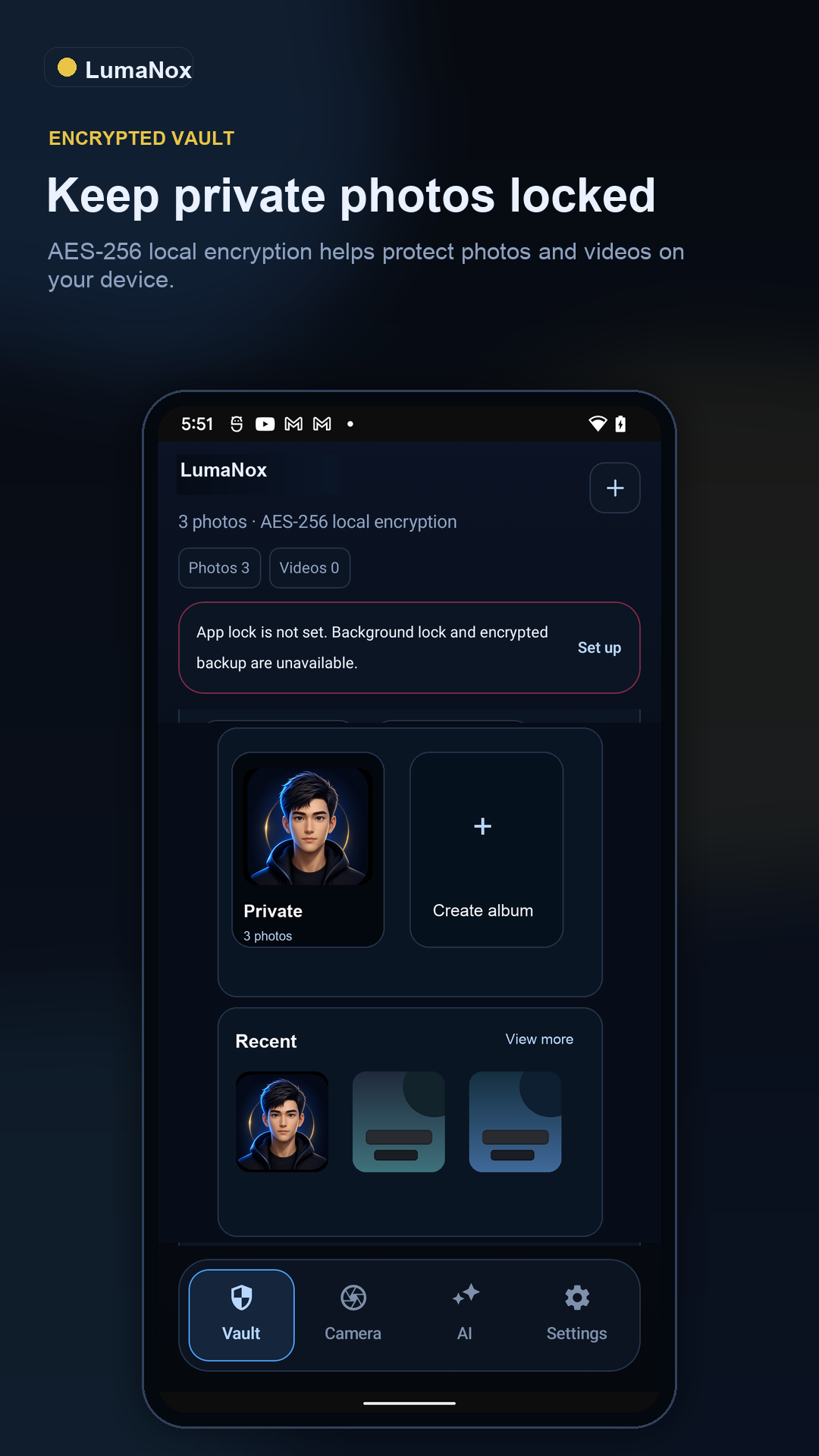
Photos and videos imported into LumaNox are stored in a private vault protected by AES-256-class encryption, PIN, biometrics, and immediate background lock.
Private photo vault for your most sensitive media
Offline by default. Deliberate by design.
A private vault for photos and videos with app lock, biometric unlock, local AI privacy tools, cleanup, classification, and encrypted backup. No ads. No vault media cloud upload.
Available today
LumaNox is built around the moments where a camera roll gets risky: importing private media, finding sensitive content, redacting before sharing, and recovering from a device change without handing the vault to a cloud service.
Photos and videos imported into LumaNox are stored in a private vault protected by AES-256-class encryption, PIN, biometrics, and immediate background lock.
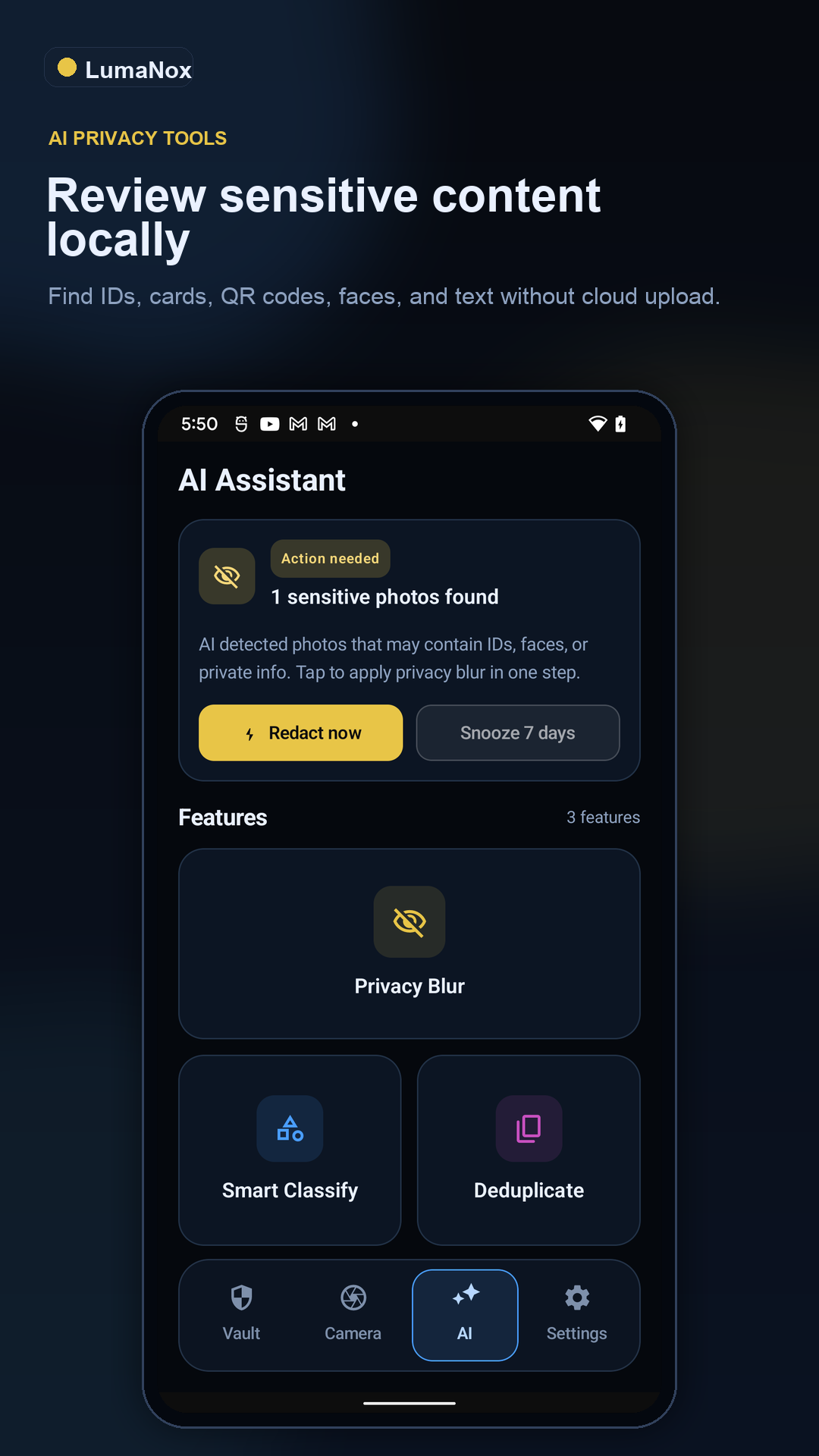
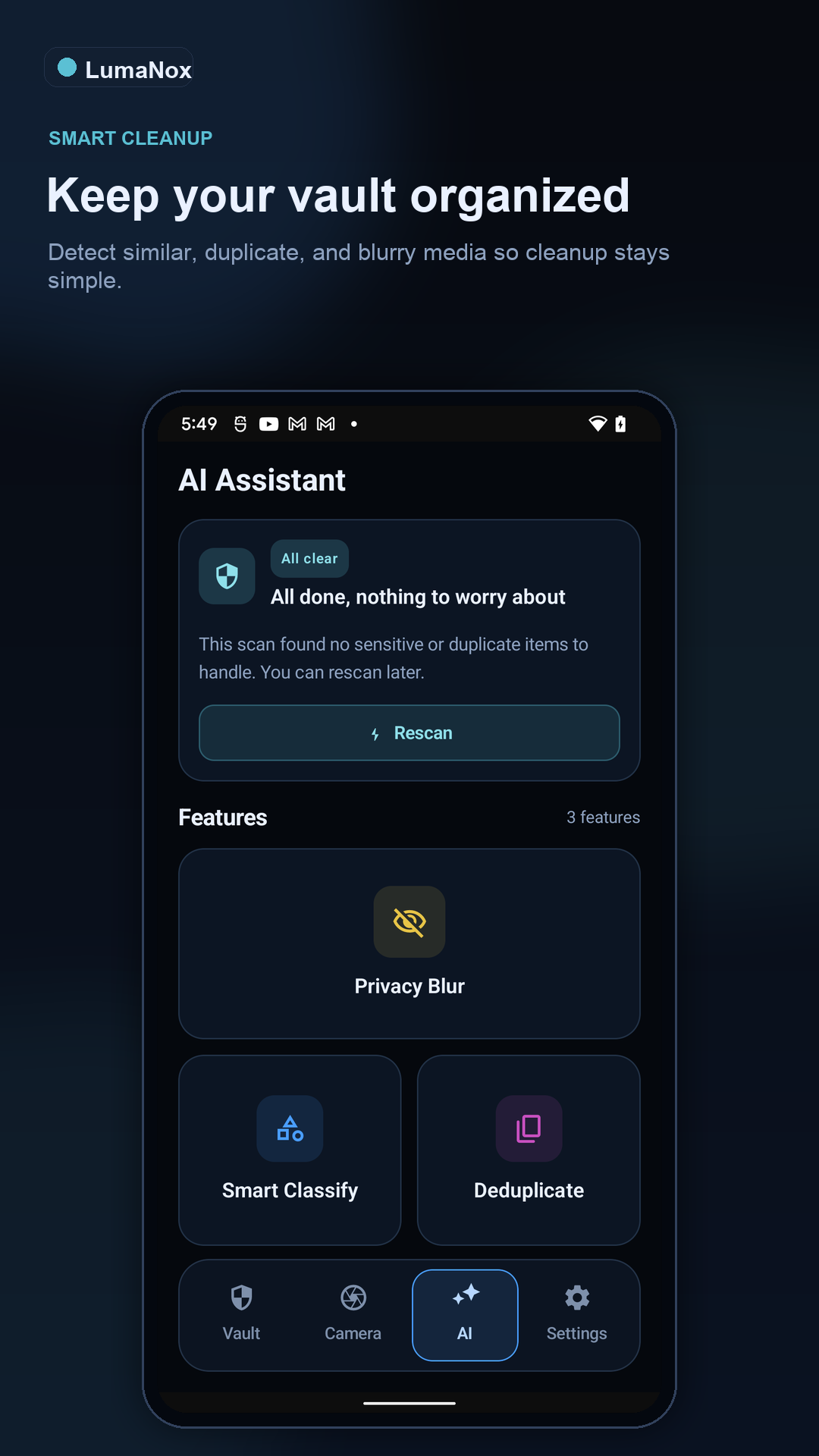
LumaNox includes sensitive review, privacy redaction, smart classification, and cleanup suggestions for blurry or duplicate media, without turning vault media into a cloud workflow.
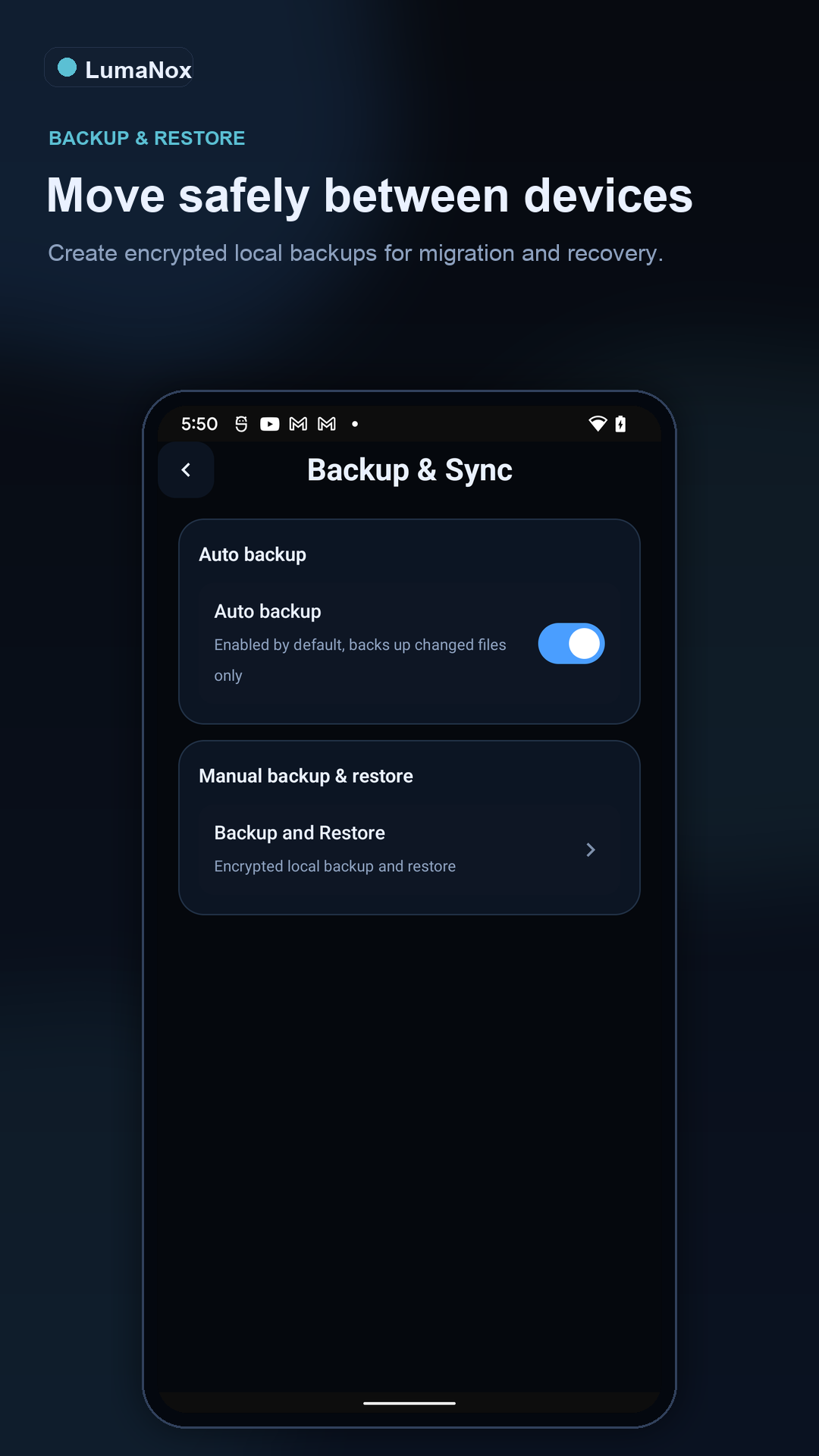
Manual and automatic backup flows create encrypted packages, with restore designed around the PIN that protected the backup when it was made.
AI that respects the vault
LumaNox treats AI as a local assistant for decisions you already wanted to make: what looks sensitive, what should be redacted, what can be organized, and what may be safe to delete after review.
Find likely IDs, cards, QR codes, faces, chat screenshots, and text-heavy images before they sit unnoticed in the vault.
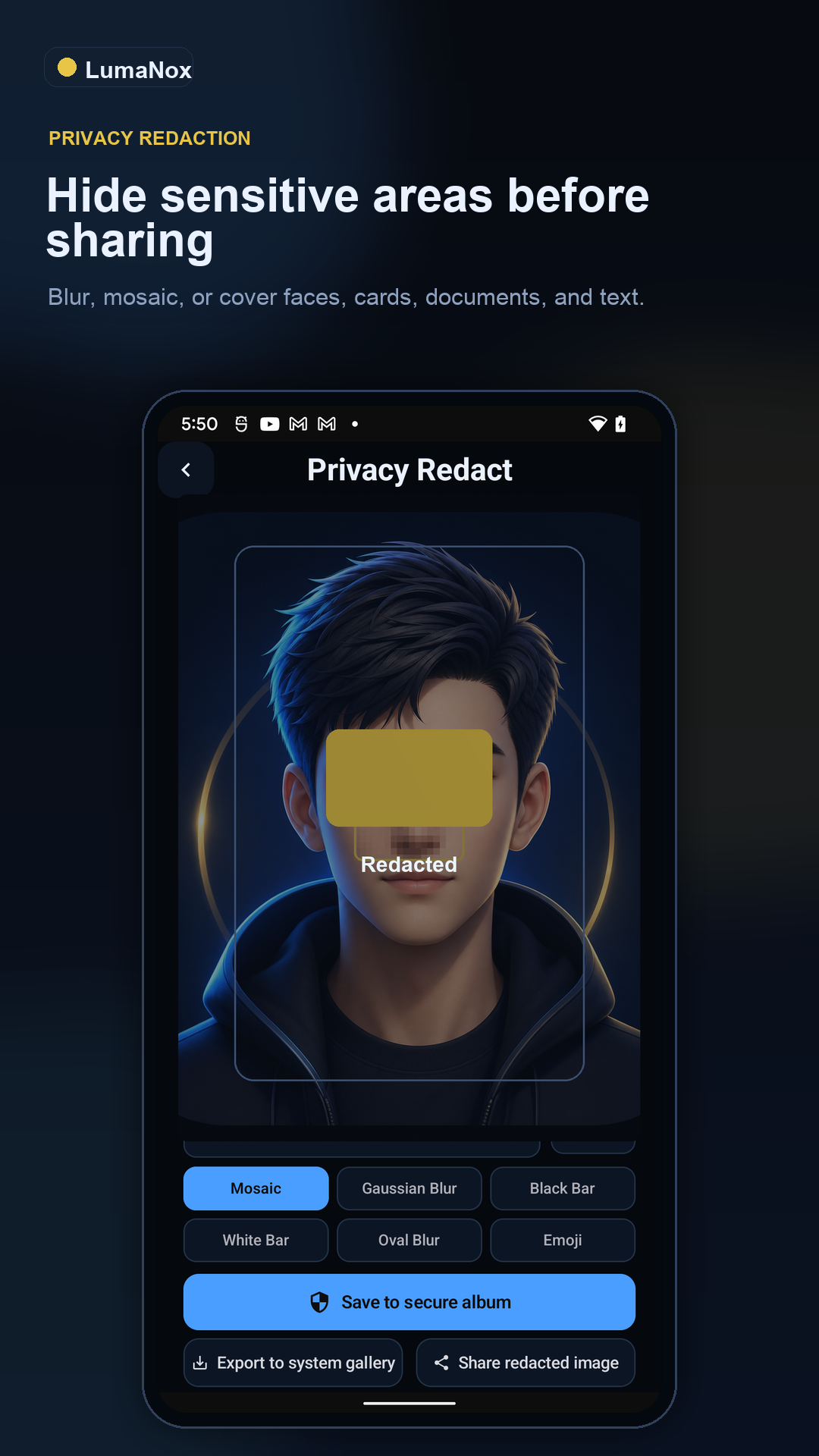
Apply mosaic, blur, black bars, white bars, oval blur, or manual regions, then save back to the vault or export a copy deliberately.
Sort vault media into virtual categories such as screenshots, documents, portraits, scenery, food, and other items.
Detect blurry images and near duplicates, review them, and clean only after confirmation so AI remains advisory.
How the product feels
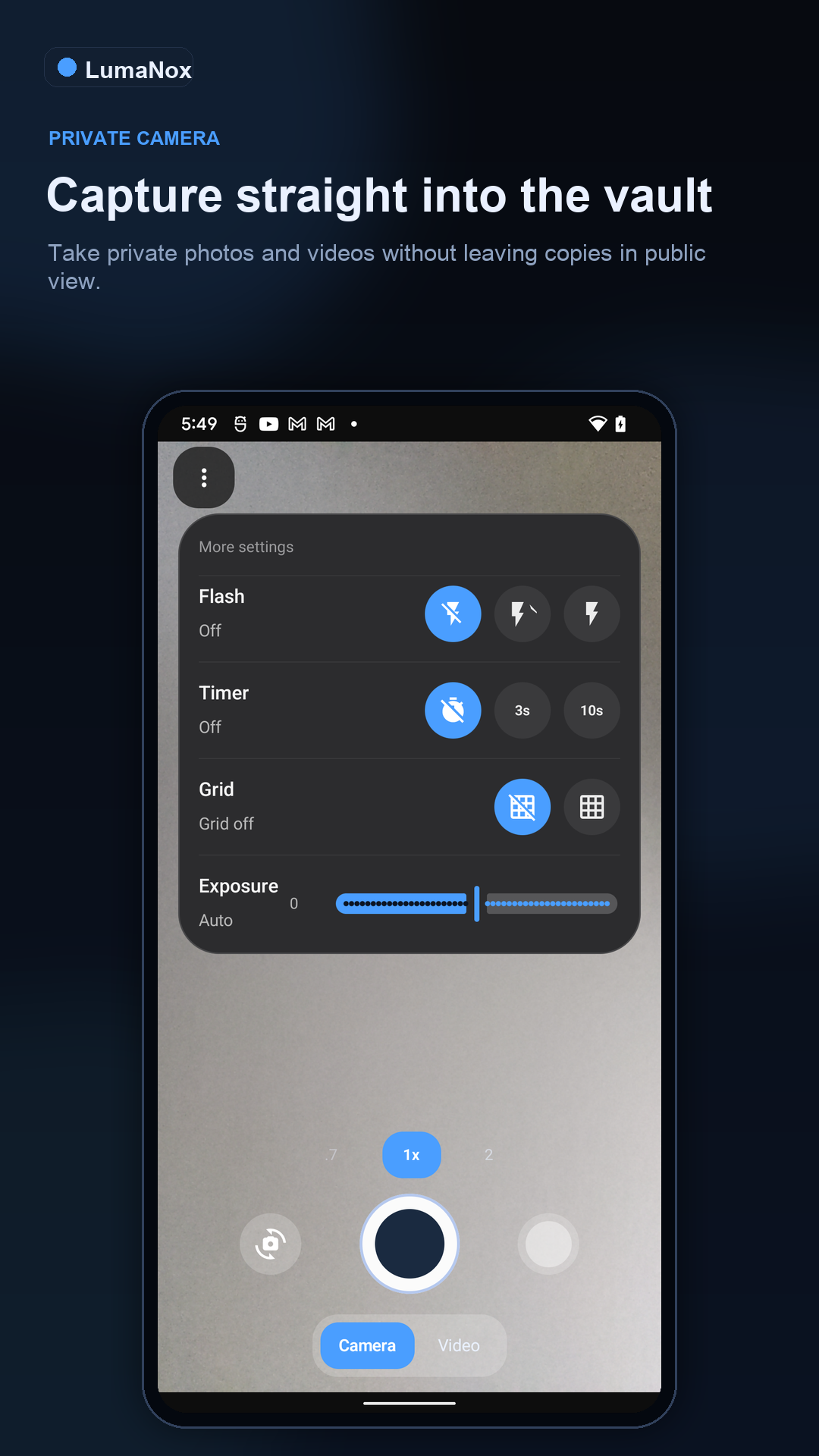
Move selected photos and videos into LumaNox from your gallery, camera, or restore flow. The boundary is explicit.
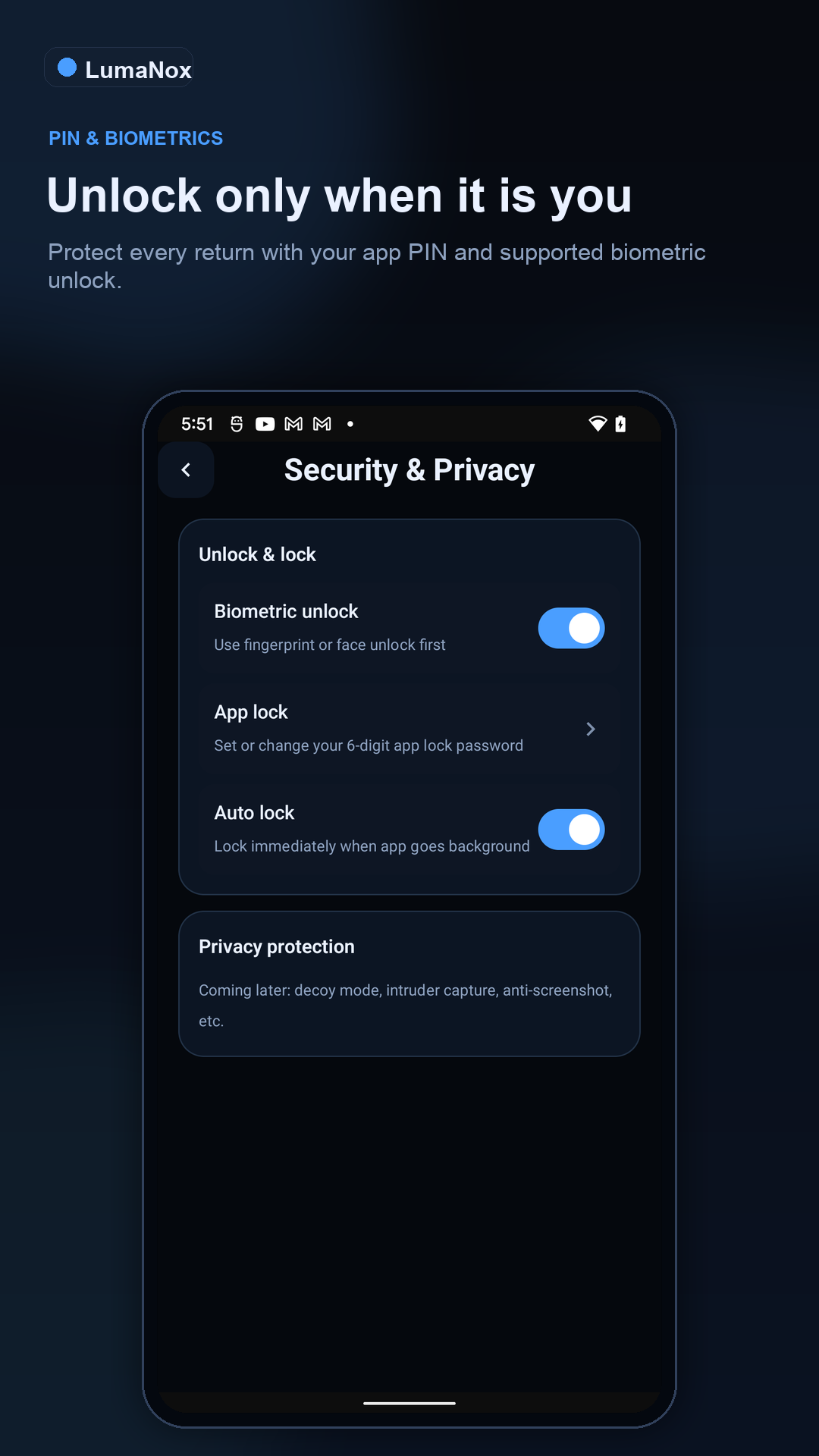
Use a 6-digit app lock, biometric unlock when available, and automatic locking when the app leaves the foreground.
Run cleanup, classification, sensitive review, or redaction when you want help understanding the private library.
Create encrypted backups, restore with the matching backup PIN, and export with clear warnings when copies leave the vault.
Feature screenshots
The screenshot set now leads the page: encrypted vault, local AI review, privacy redaction, biometric lock, encrypted backup, cleanup, offline privacy, and private camera capture.
Practical answers
Everything here comes back to one design choice: private media should stay deliberate. The questions people ask most are usually about that boundary.
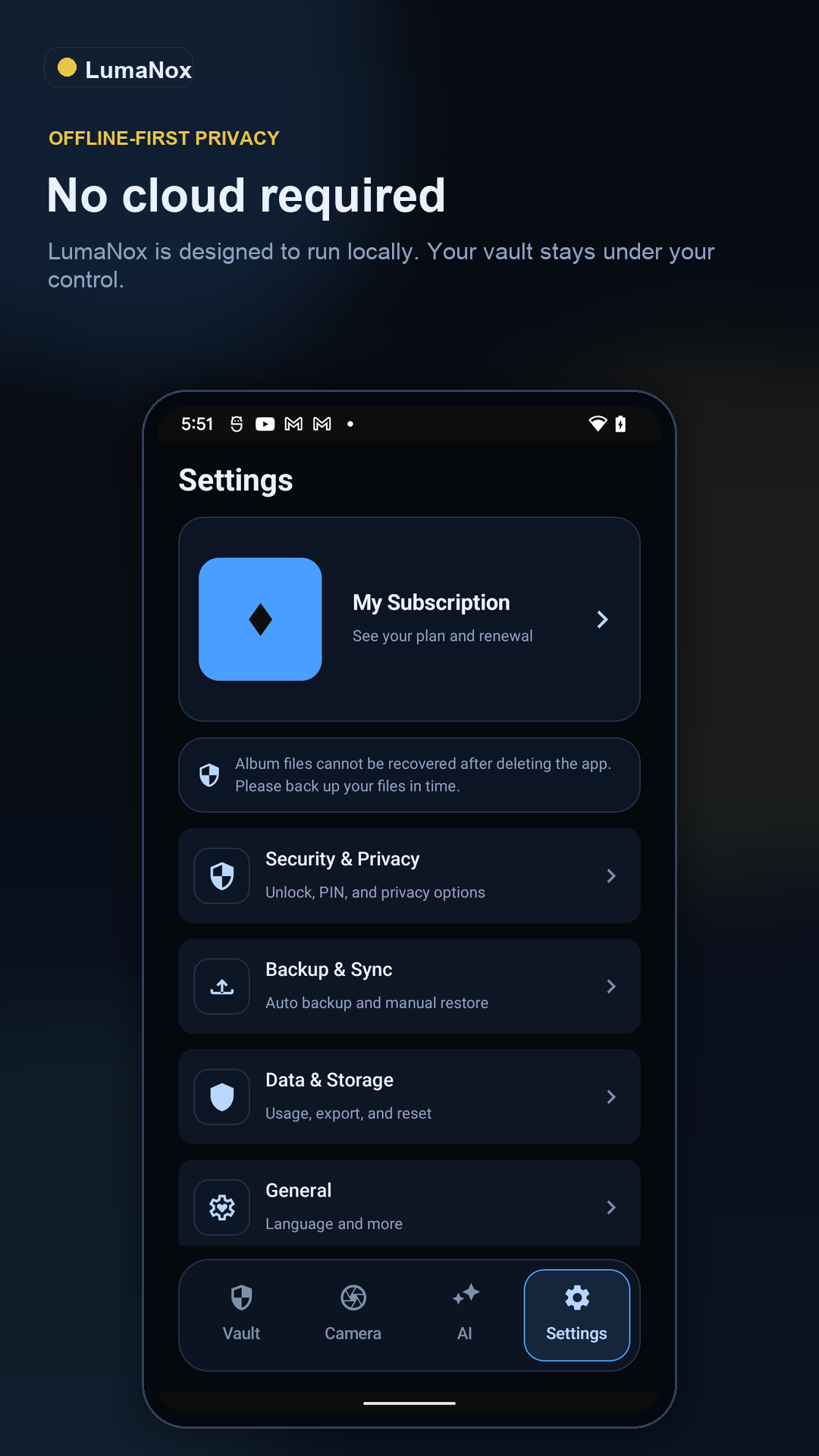
No. Vaulted media is designed to remain encrypted on-device. Subscription validation can use Google Play and RevenueCat, but that is separate from vault media storage.
LumaNox is built around on-device privacy workflows for cleanup, classification, sensitive review, and redaction. The point is to help you act on private media without uploading the vault.
The exported copy leaves the encrypted vault boundary. LumaNox makes that action explicit so you understand when a copy is no longer protected by vault encryption.
Use the 6-digit PIN that was active when that backup was created. Older manual backup files keep their original restore PIN even if you later change the app lock PIN.
LumaNox is available on Google Play for Android and on the App Store for iPhone.
Give private photos and videos an encrypted safe with local privacy tools and no ads.